Printing things in my house is something I do on a daily basis. Between printing coupons, documents for my son’s school or confirmation letters it is extremely important for me to have a good quality printer that gets the job done fast and efficiently.
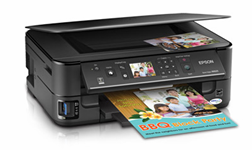
It’s easy. It’s affordable. And, it’s the world’s fastest all-in-one. With built-in wireless printing and automatic two-sided printing, the Epson Stylus NX625 makes it easy to take on all your everyday projects including invitations, e-mails and more. Share a single high-performance all-in-one with the entire family.
We were recently sent the Epson Stylus NX625 All-in-One Printer.
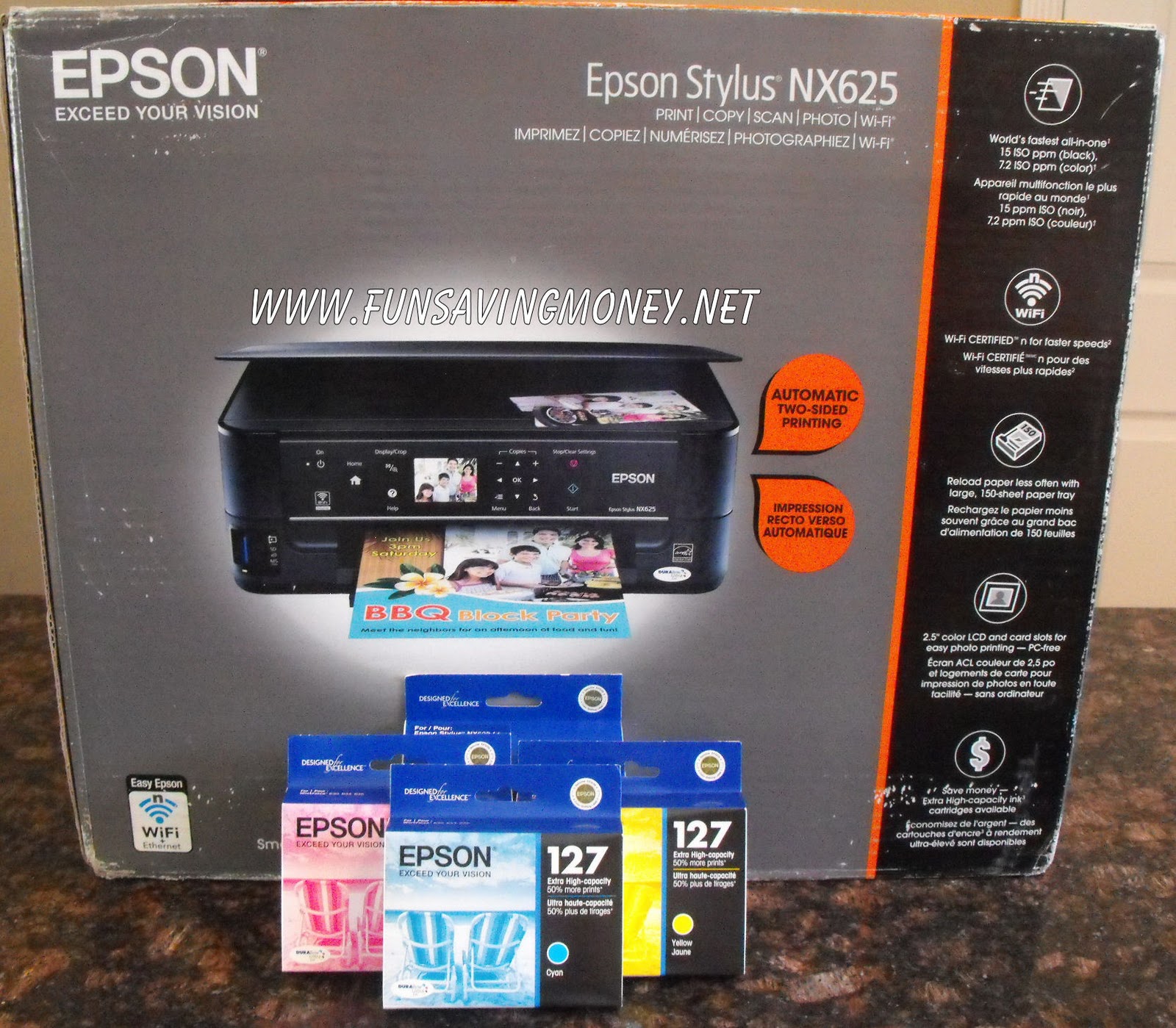
Features Include:
- Share one all-in-one at home — print wirelessly from multiple PCs, now with Wi-Fi CERTIFIED
- World’s fastest all-in-one — print web pages and documents at speeds of 15 ISO ppm (black), 7.2 ISO ppm (color), based on the ISO standard
- Save paper — automatic two-sided printing can save up to 50% of your paper supply at speeds of 7.6 ISO ppm (black), 4.6 ISO ppm (color), based on the ISO standard
- Reload paper less often — large paper tray holds up to 150 sheets of plain paper
- Supports wireless printing from your cell phone — easily print photos and more from your iPhone and many mobile devices
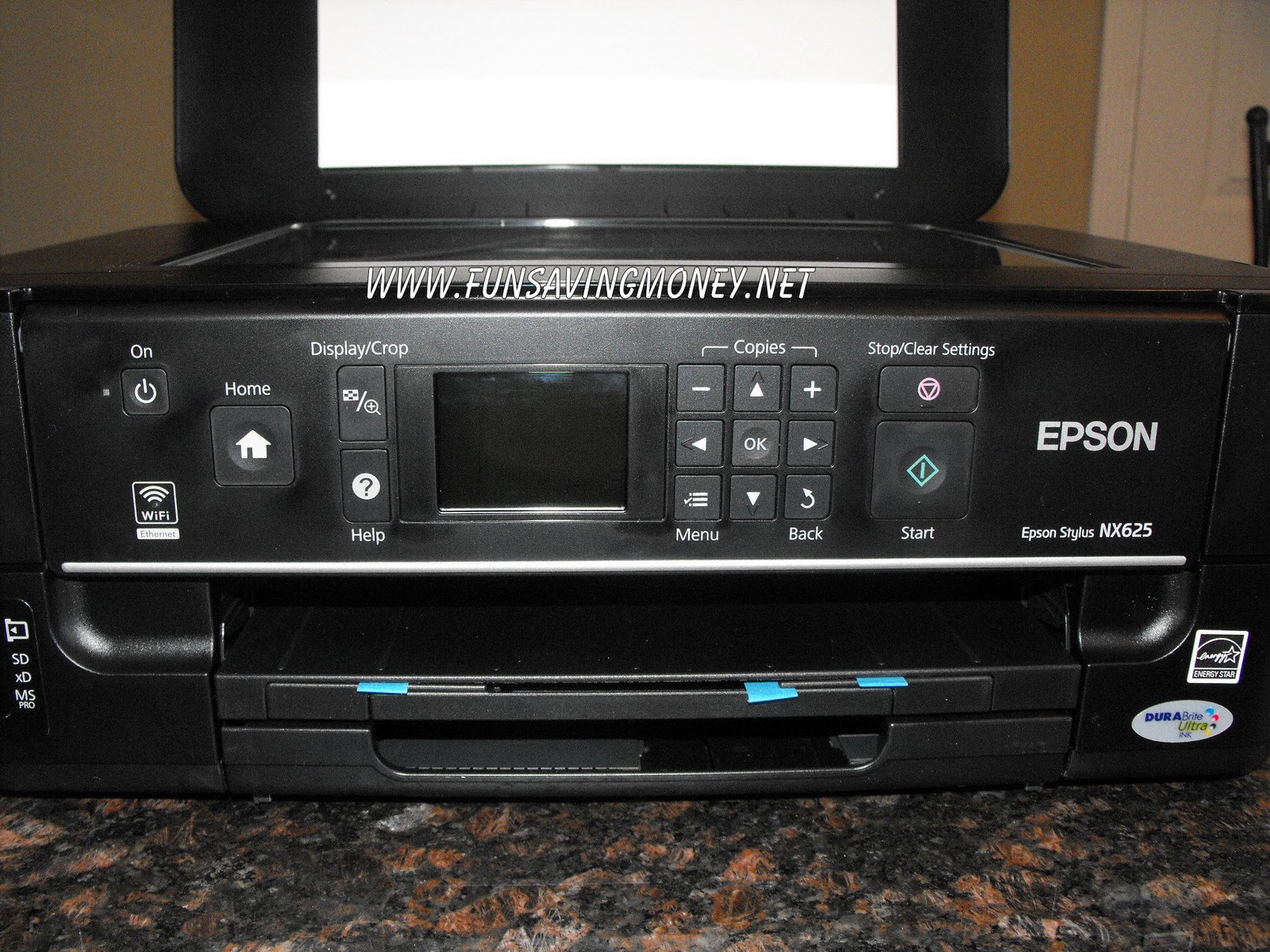
- PC-free photo printing — it’s easy with the built-in 2.5″ LCD and built in memory card slots
- Vibrant photos in no time — print a 4″ x 6″ photo in as fast as 20 sec
- Superior image enhancement tools — automatically correct poorly exposed photos and easily remove red eye
- High quality scanning — up to 2400 dpi
- Truly touchable photos and documents — get worry-free handling with instant-dry inks
- Save money — Extra High-capacity Black and color ink cartridges available
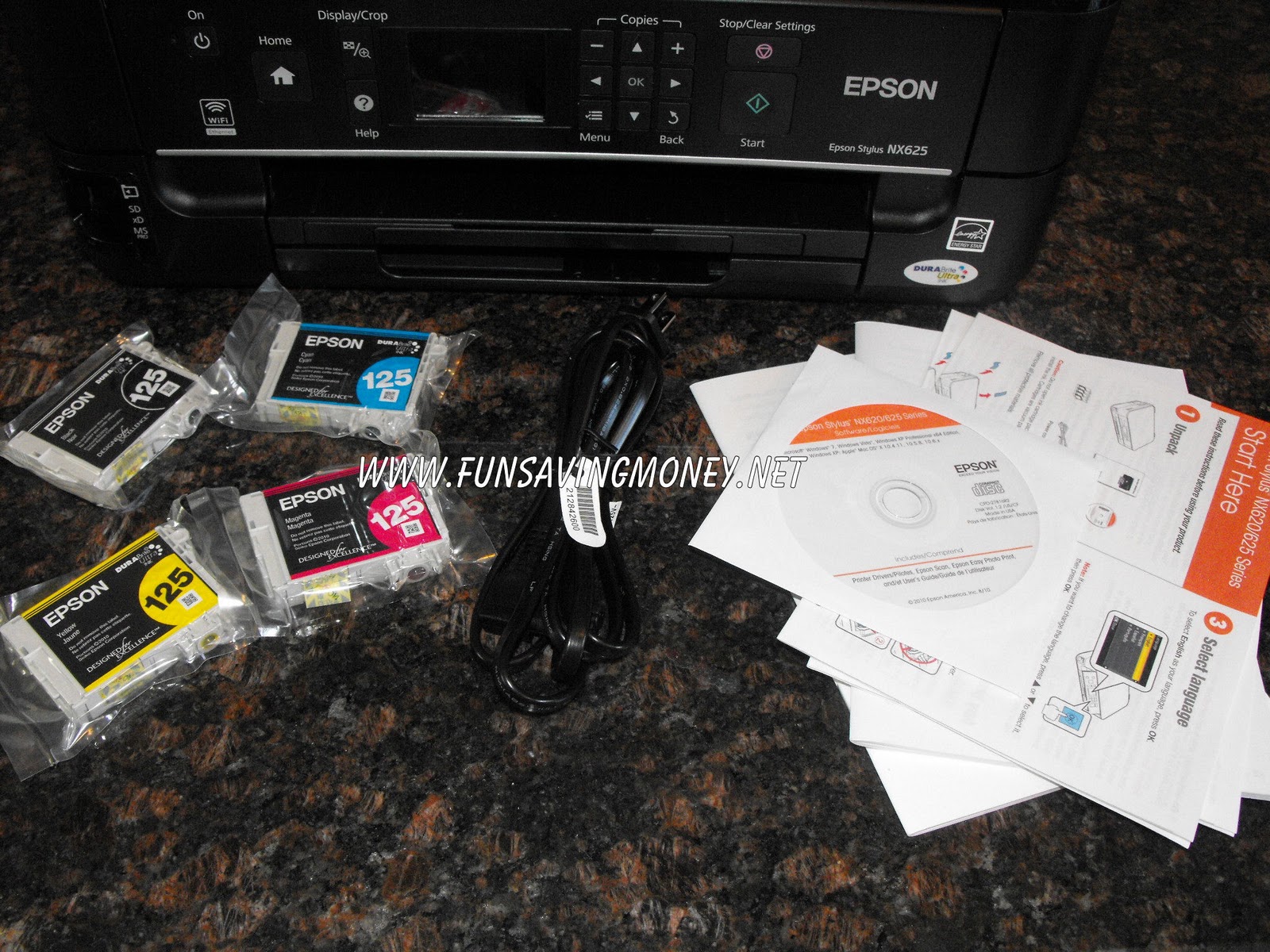
- Standard ink set included — includes one 125 Black ink cartridge and three 125 color ink cartridges
- Extra high-capacity ink cartridges available — save about 35%
- Quickly print from your mobile device — print photos, office documents and more, see
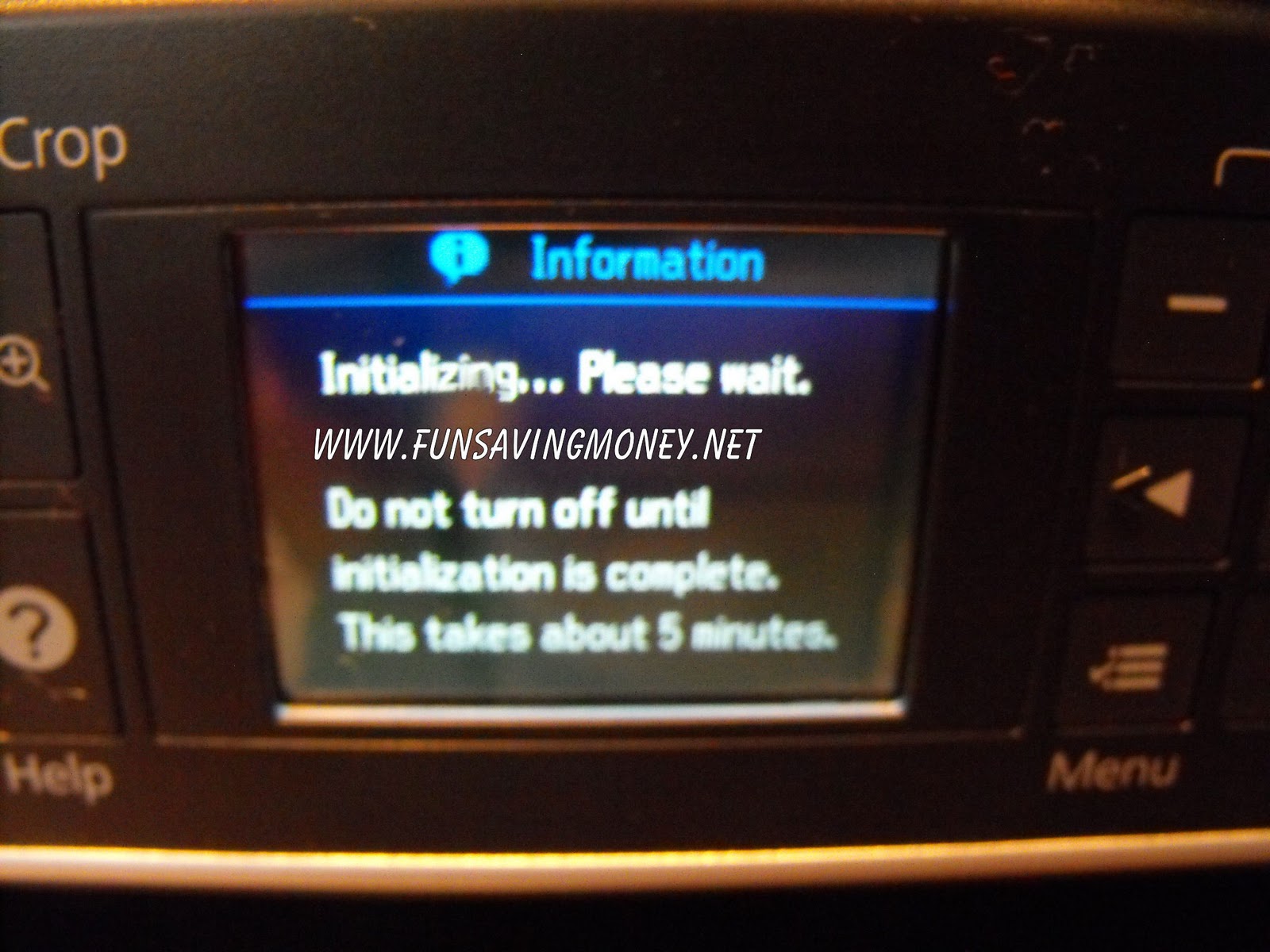
First off I’m going to let you in on a little secret..I am not very tech savvy and it usually takes me awhile to set up my equipment. I have to admit that I was a little intimidated on setting everything up because I have never owned a wireless printer. With that said I was very surprised that it took me only 15 minutes from the time I pulled this bad boy out of the box until I was printing my first paper.
The instructions were step by step and told me everything I needed to do to set my new printer up to my computer as well as being able to print from my iphone!
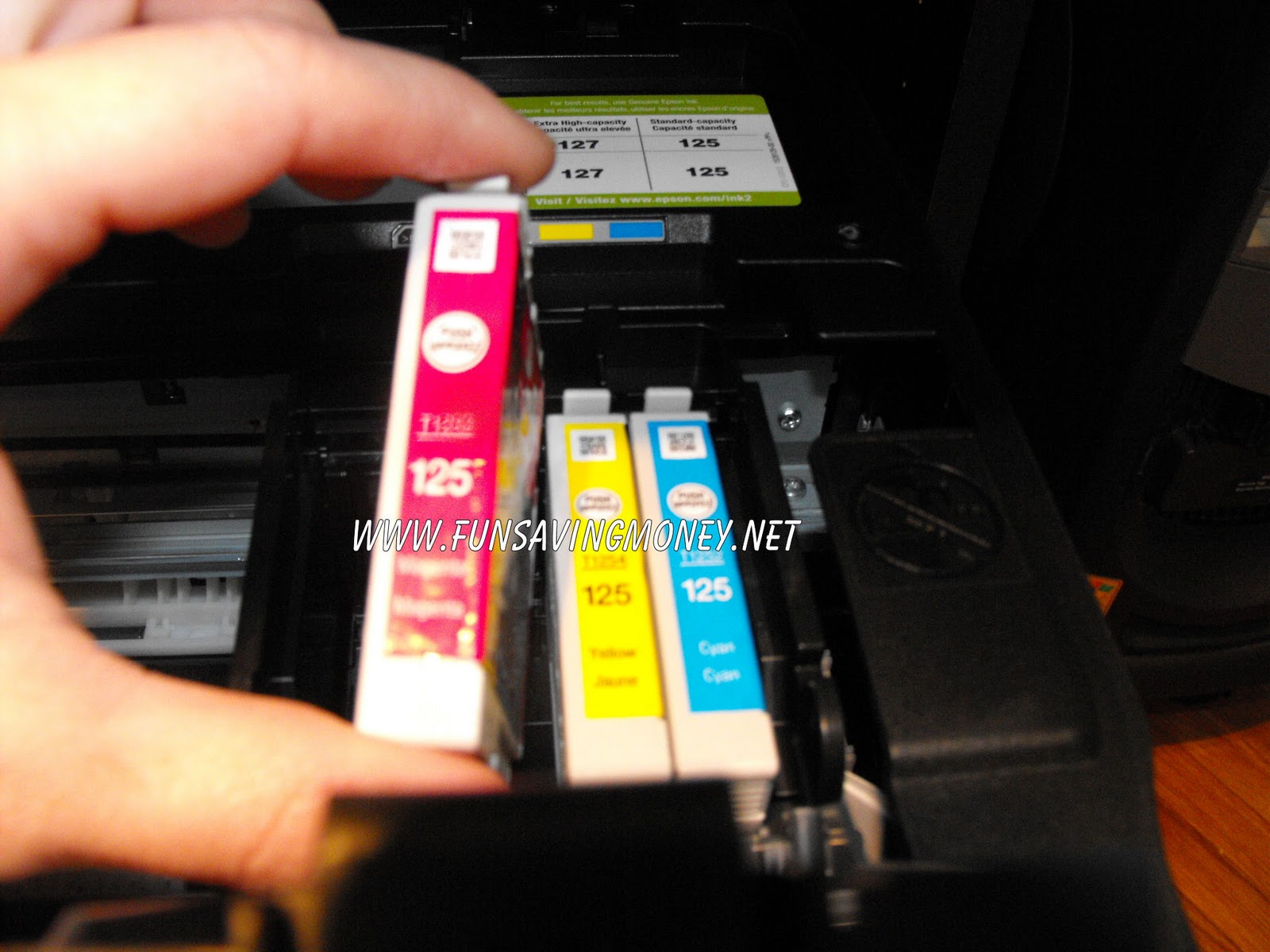
The ink cartridges are all individual so instead of replacing the whole ink cartridge you only have to replace the one that is empty.
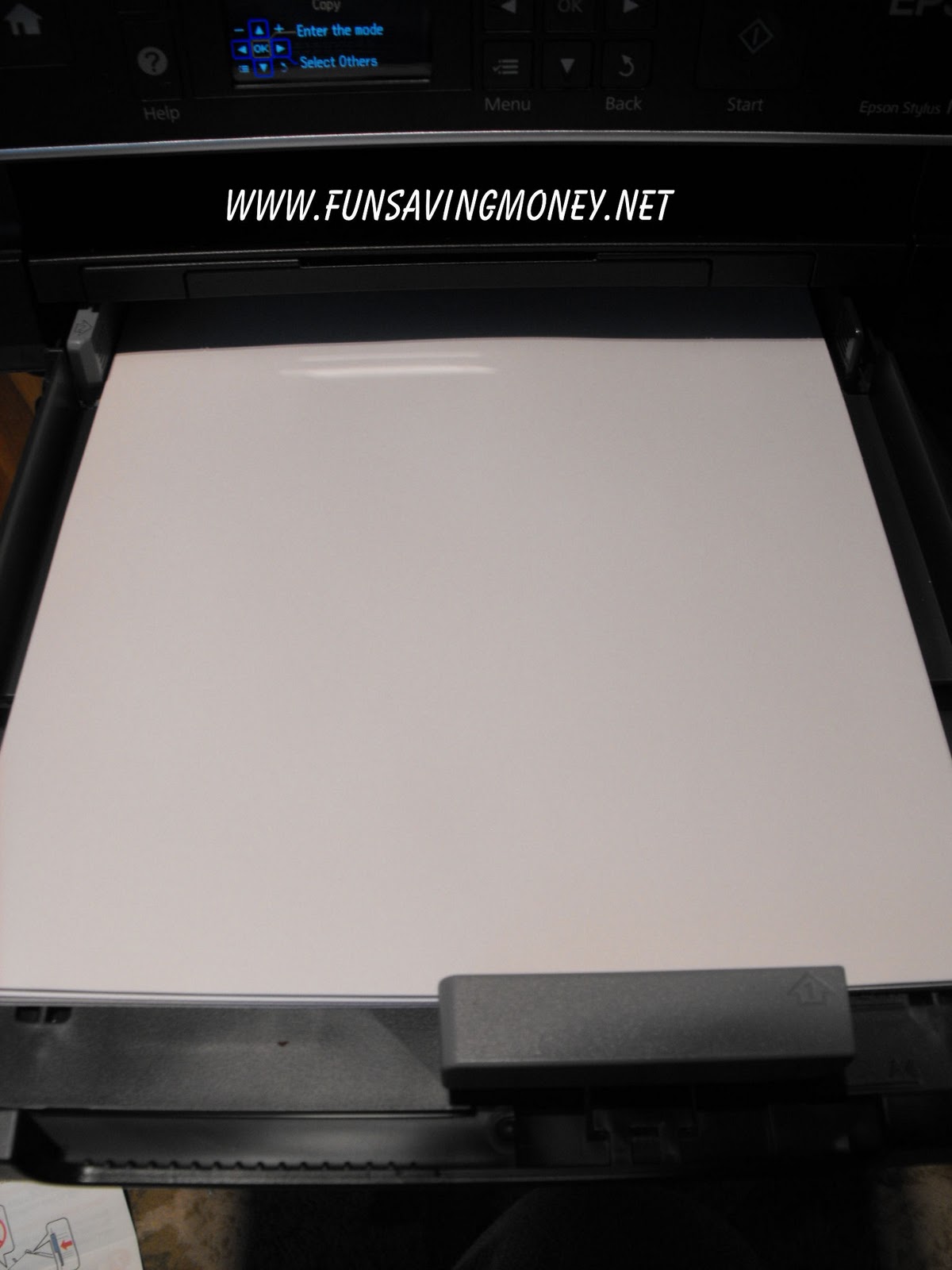
I also really like the paper tray holder which can hold up to 150 pieces of plain printer paper. The paper tray slides right into the printer keeping it out of the way. This printer also saves you time and money by having the option to print things on both sides of the paper.
One of my favorite features of this Epson printer is the fact that you can print your photos directly from the printer by inserting your SD card into the slot on the front of the printer. The 2.5in LCD screen allows you to edit these photos by removing red eye, color restoration or even auto photo correction. So if you are in a hurry and need to print your photos without messing with your computer you can do that very easily with the Epson NX625!
I am extremely pleased the everything about this printer! The quality of the photos are just as good if not better than when I have had them printed professionally at the store.I can see this printer saving me lot’s of money by being able to print even more coupons from the different computers and smart phones in my home. If you are looking for a great printer then I highly recommend the Epson Stylus NX625.
Be sure to check out Epson online for more great printing products!
Buy It: You can purchase the Epson Stylus NX625 All-in-One Printer at major computer, office, and electronic superstores as well as online at the Epson Store for an estimated retail price of $149.99
Win It: One lucky reader is going to win a Epson NX625 Printer! ($149.99 ARV)
To Enter: Visit Epson and leave me a comment telling me another printer or product that you would benefit from. (This entry is mandatory and must be completed before bonus entries will count)
Bonus Entries:
#1) Subscribe to my blog–3 Bonus Entries
#2) Follow me publicly on Google Friend and-2 Bonus Entries
#3) Follow me on Networked Blogs
#4) Like Epson on Facebook
#5) Blog about this giveaway and link back to this post and Epson–3 Bonus Entries
#6) Follow funsavingmoney on Twitter
#7) Follow Epson_Store on Twitter
#8) Tweet about this giveaway. You can tweet once per day for an extra entry every day! Just copy and paste this:
Disclosure: This is a non-paid post and honest opinions were used. All opinions expressed are based on my own experience and may differ from others. Thanks to the company and/or pr agency for providing me with the Epson Printer to review as well as providing one to giveaway to one of my readers.
Like this site? Please Subscribe to Having Fun Saving Money by Email or RSS Feed.